Accounting Automations for Canadian Finance Teams


While the days of the ledger book, and hand recording of sales and expenses are long gone, companies still need to have a 360 view of their accounting. With accounting automation, finance teams can use software solutions to accurately and quick complete tasks that otherwise would take hours or days every month.
Manual Accounting vs. Accounting Automation
With traditional accounting, many tasks are still manually completed. Data is still entered by a person on the finance team. Bank statements are still reconciled manually. Even suppliers are paid one at a time as they send invoices, and wait for the payment to be issued.
With the help of software solutions, accounting automation replaces those time-consuming activities, and allows finance teams more time to work on tasks that move the business forward.
Drawbacks of Manual Accounting
While the time it takes to keep the books up-to-date is often the biggest drawback of manual accounting, there are other disadvantages that many business owners should consider.

Higher Potential for Errors
When you have a stack of invoices to enter, it's hard to get every detail exactly correct, every time. You might get interrupted by a phone call and miss a line, or you might not notice that the disbursement item was non-taxable. Did this invoice charge GST, HST or QST? Even the most diligent team member will transpose numbers or choose the wrong GL account.
Time Required
Manual accounting tasks take up valuable time that could be used for higher-value work. Think about your highly trained finance team - would you rather have them manually code individual transactions or focus on more strategic projects, like implementing a new ERP system or bringing payroll in-house?
Not only do the individual transactions take longer to manually enter, but the reconciliation process is often quite painful.
How do you compare and verify the completeness of two sets of transactions? If it's a set of books and the bank statement, it's often an exercise in "ticking and tying", sometimes with printed copies and multiple colours of highlighters.
Obtaining and documenting approvals is another time-consuming process, especially as most non-finance folks don't feel the urgency of month-end the same way the finance team does. Multiple manual reminders are common, and sometimes reminders are sent after the approval or support was obtained - the records just weren't updated, or it wasn't saved in the right spot yet.
What CFOs and Controllers Look for In Accounting Automation Software
As a finance team leader, finding ways to address some of the common concerns around cash flow, business growth, and profitability is a constant consideration. Accounting automation can solve for many common accounting activities, and address many of the concerns around time, errors, and security. It can also free up time for more valuable activities.
General Ledger Automations
General ledger accounting software easily aggregates financial data across different lines of business, and allows companies to structure business transactions and data to generate financial reports. Some modern general ledger accounting software options include automations for the following:
- setting pre-defined GL accounts for certain vendors instead of trying to remember or checking the process documentation each time to confirm
- connections to live bank feeds to reconcile throughout the month instead of waiting for the formal statement
- setting pre-defined rules for common bank transactions instead of manually creating a journal entry for the bank charges every month
Payroll and Employee Expense Reconciliation
Payroll software easily calculates wages, taxes and generates reports, but often there are still many manual inputs. Some modern payroll software options include automations for the following:
- onboarding paperwork that can be securely completed by the new employee and flow into the database, instead of manual data entry
- time off requests automatically routed to the appropriate parties for approval and vacation days automatically connected to payroll processing, instead of forgetting to forward the email chain or update the excel tracker
- direct integration with your accounting software OR templates to create custom journal entries that you can easily export and import into your general ledger system
Employee Expense Reimbursement
Ensuring your employees get paid, and their expenses reimbursed quickly, can be a lot of work. There is typically at least some confusion about how to fill out the expense report, what codes to use, and the receipt submission process often involves reminders and a lot of follow-ups. Then expense reports need to get approved (sometimes by more than one person) and submitted for payment processing.
Modern employee expense options use accounting automation to make this process efficient and easy, saving time and money, and giving employees a much better experience than filling out dreaded expense reports.
Employee expense accounting automations can include:
- pre-defined rules or limited options for employee expense codes to minimize or eliminate the need for non-finance team members to choose a GL account
- the ability to process individual transactions in real-time, instead of waiting for a time-consuming (and often-late) monthly expense reports
- automatically routing expenses for review and approval (some systems accommodate complex policies)
- automatically send out requests and reminders for receipt submission
So what is the best Reimbursements product for Canadian businesses — consider Float's Reimbursement Solution.
Accounts Receivable and Payable
Even if your accounting records are paperless, they might still be difficult to access. What was the filename? Which folder is it in?
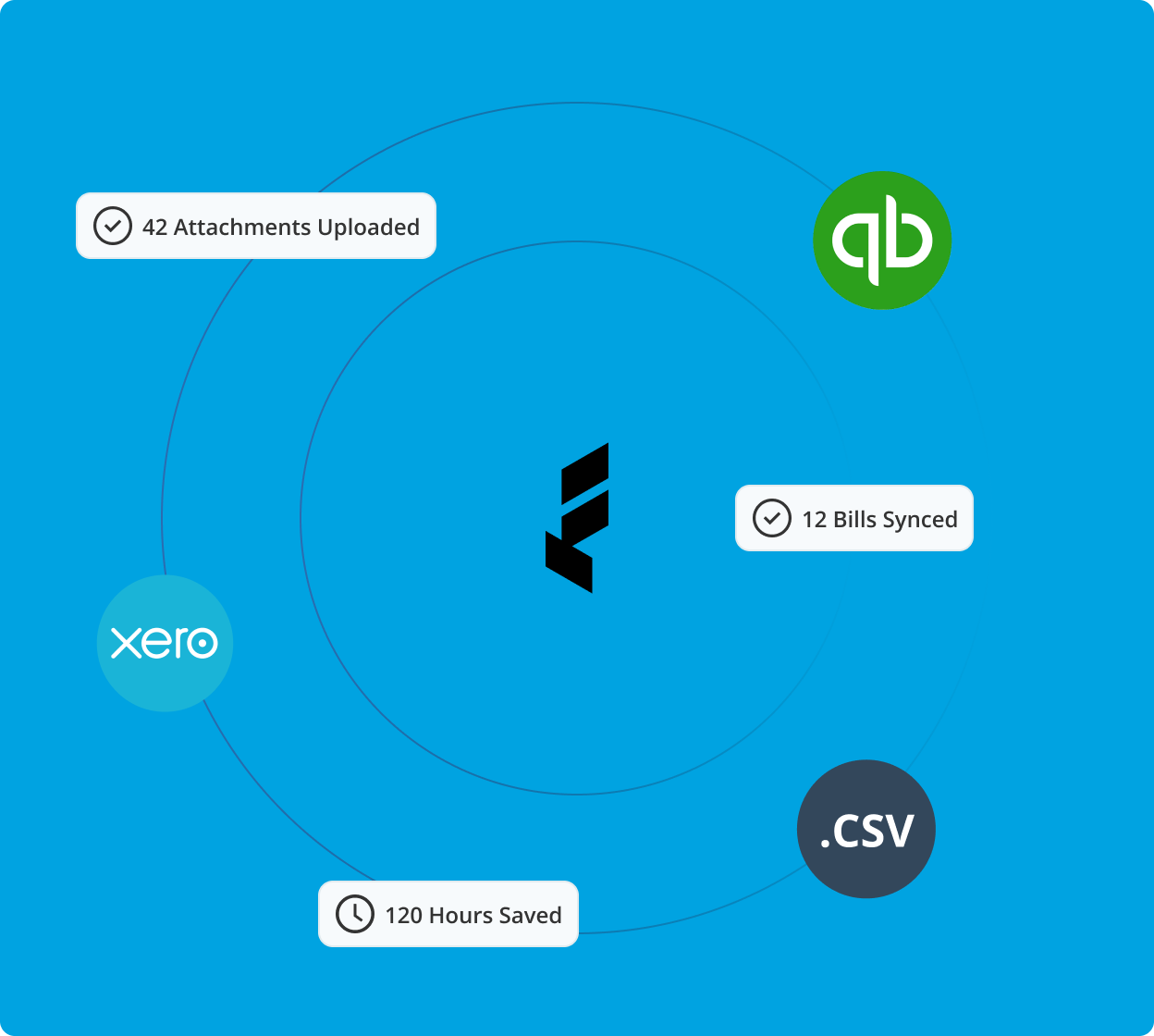
Modern accounting automation tools store data in the cloud, often attached directly to the related transaction, usually with generous storage limits (or no limits at all).
Cloud-based document storage facilities give you:
- data at your fingertips when analyzing financial statements. Many general ledger systems have drill-down capabilities where you can click through right to the original supporting document to confirm something is in the right place
- easy auditor access. Instead of pulling invoices and receipts when the auditors provides you with their sample list, give them read-only access to your cloud-based systems and let them find the information for themselves
- maintaining records as required by Canada Revenue Agency
Cash is king, and anything that adds time to the Accounts Receivable process can impact critical cash flows. Modern accounting automation options for Accounts Receivable include:
- scheduled and recurring invoices for predictable revenues
- automated statements or overdue invoice reminders sent to clients
- integrated payment links to make it easier for customers to make payments
Successful businesses need to pay invoices on time and on budget. Modern accounting automation options for Accounts Payable include
- automatic routing of invoices for approval
- pre-defined GL codes for specific vendors
- automatic reconciliation with online payment providers instead of making the payment and separately needing to record the payment
- automatic comparison to budget and purchase order if applicable
Looking to automate your Accounts Payable and other finance workflows, checkout our review of the Best Accounts Payable Solutions for Canadian Businesses in 2024.
How Float Automates Your Accounting
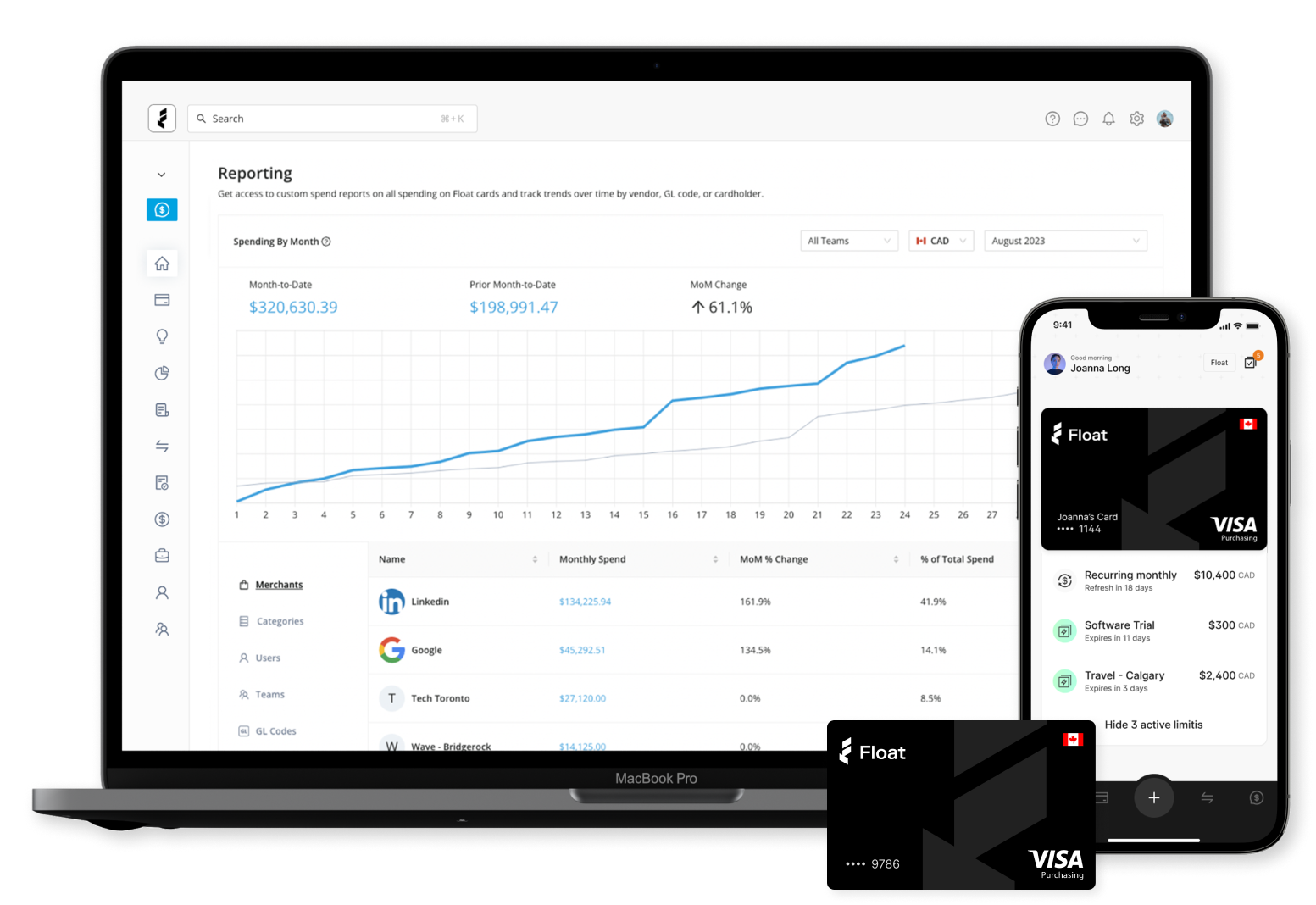
Float’s business finance platform adds significant automation to employee expense and accounts payable processes, along with additional unique features.
Capture receipts automatically
No more chasing employees for receipts! When you swipe a Float card, cardholders get prompted to submit their receipt via our mobile app, text or email. Finance teams can even set up rules to auto-pause cards when someone is not compliant. Once you try it, you will never go back to manual receipt collection.
Pre-Code Virtual Cards to The Correct GL Account
When you issue a virtual or physical corporate card through Float, you’re able to automatically pre-program the specific GL accounts that card will be assigned to be able to spend from. This means that your finance team won’t need to spend hours chasing down expense reports and issuing payments - the spend will automatically be recorded in the correct account.
Reimburse Employees for Our-of-Pocket Expenses
Whenever your team needs to spend, but they don't have a Float card on them, you can use Float's Reimbursements to capture expense reports and payout to your team directly to their bank accounts.
Automate Accounts Payable
Float's latest product called Bill Pay enables anyone to automate the accounts payable by seamlessly capturing and approving invoices, and initiating EFT, ACH, and Global Wire payments.
Best Platform to Automate Accounting - Float